Rule exceptions
Elastic Cloud Serverless projects are autoscaled environments, fully managed by Elastic and available on Elastic Cloud. Availability This functionality is generally available and ready for production usage. The Elastic Stack includes Elastic's core products such as Elasticsearch, Kibana, Logstash, and Beats. Availability This functionality is generally available and ready for production usage. Unless stated otherwise on the page, this functionality is available when your Elastic Stack is deployed on Elastic Cloud Hosted, Elastic Cloud Enterprise, Elastic Cloud on Kubernetes, and self-managed environments. This documentation corresponds to the latest patch available for each minor version. If you're not using the latest patch, check the release notes for changes.
Serverless Security
Generally available
Stack
Generally available
You can associate rule exceptions with detection and endpoint rules to prevent trusted processes and network activity from generating unnecessary alerts, therefore, reducing the number of false positives.
When creating exceptions, you can assign them to individual rules or to multiple rules.
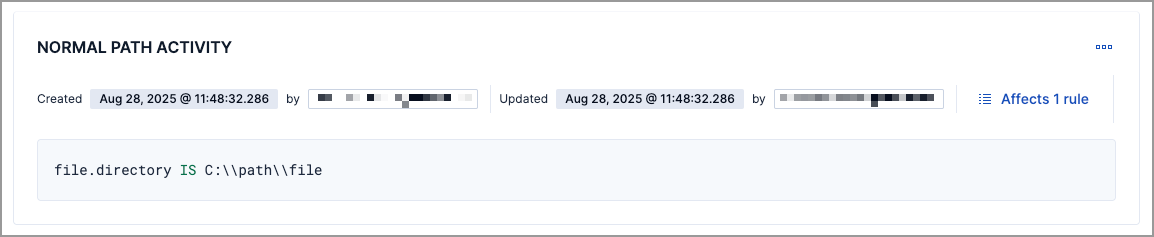
Exceptions, also referred to as exception items, contain the source event conditions that determine when alerts shouldn’t be generated.
You can create exceptions that apply exclusively to a single rule. These types of exceptions can’t be used by other rules, and you must manage them from the rule’s details page. To learn more about creating and managing single-rule exceptions, refer to Add and manage exceptions.
You can also use value lists to define exceptions for detection rules. Value lists allow you to match an exception against a list of possible values.
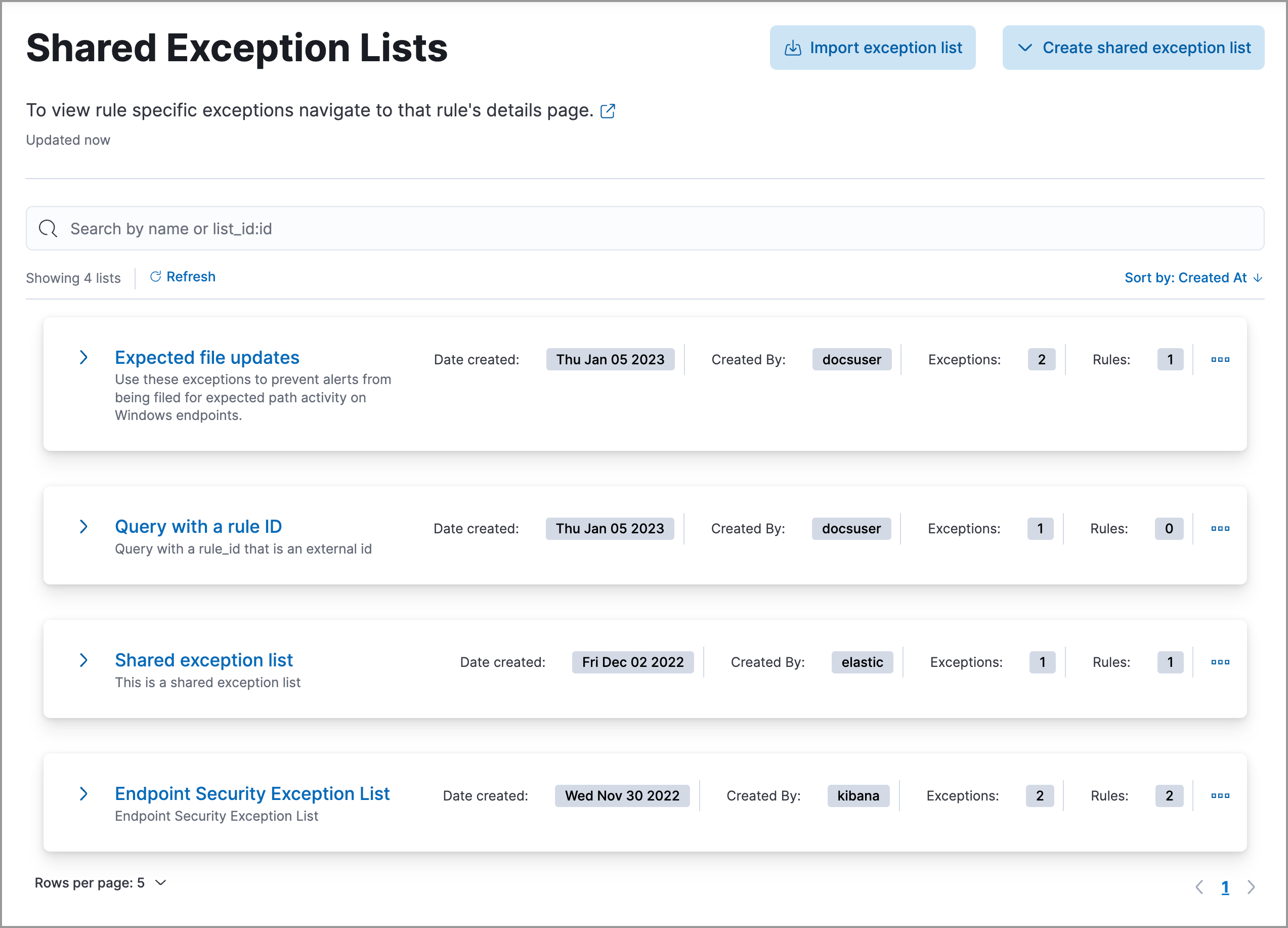
If you want an exception to apply to multiple rules, you can add an exception to a shared exception list. Shared exception lists allow you to group exceptions together and then associate them with multiple rules. Refer to Create and manage shared exception lists to learn more.