Find apps and objects
Elastic Cloud Serverless projects are autoscaled environments, fully managed by Elastic and available on Elastic Cloud. Availability This functionality is generally available and ready for production usage. Serverless interfaces and procedures might differ from classic Elastic Stack deployments. The Elastic Stack includes Elastic's core products such as Elasticsearch, Kibana, Logstash, and Beats. Availability This functionality is generally available and ready for production usage. Unless stated otherwise on the page, this functionality is available when your Elastic Stack is deployed on Elastic Cloud Hosted, Elastic Cloud Enterprise, Elastic Cloud on Kubernetes, and self-managed environments. This documentation corresponds to the latest patch available for each minor version. If you're not using the latest patch, check the release notes for changes.
Serverless
Generally available
Stack
Generally available
To quickly find apps and the objects you create, use the search field in the global header. Search suggestions include deep links into applications, allowing you to directly navigate to the views you need most.
The Elastic Stack includes Elastic's core products such as Elasticsearch, Kibana, Logstash, and Beats. Availability Generally available since 9.5 This functionality is generally available and ready for production usage. Unless stated otherwise on the page, this functionality is available when your Elastic Stack is deployed on Elastic Cloud Hosted, Elastic Cloud Enterprise, Elastic Cloud on Kubernetes, and self-managed environments. This documentation corresponds to the latest patch available for each minor version. If you're not using the latest patch, check the release notes for changes. Elastic Cloud Serverless projects are autoscaled environments, fully managed by Elastic and available on Elastic Cloud. Availability Generally available This functionality is generally available and ready for production usage. Serverless interfaces and procedures might differ from classic Elastic Stack deployments. You can also reorder the apps in the navigation menu and hide the ones you don't use. Refer to Customize your navigation menu.
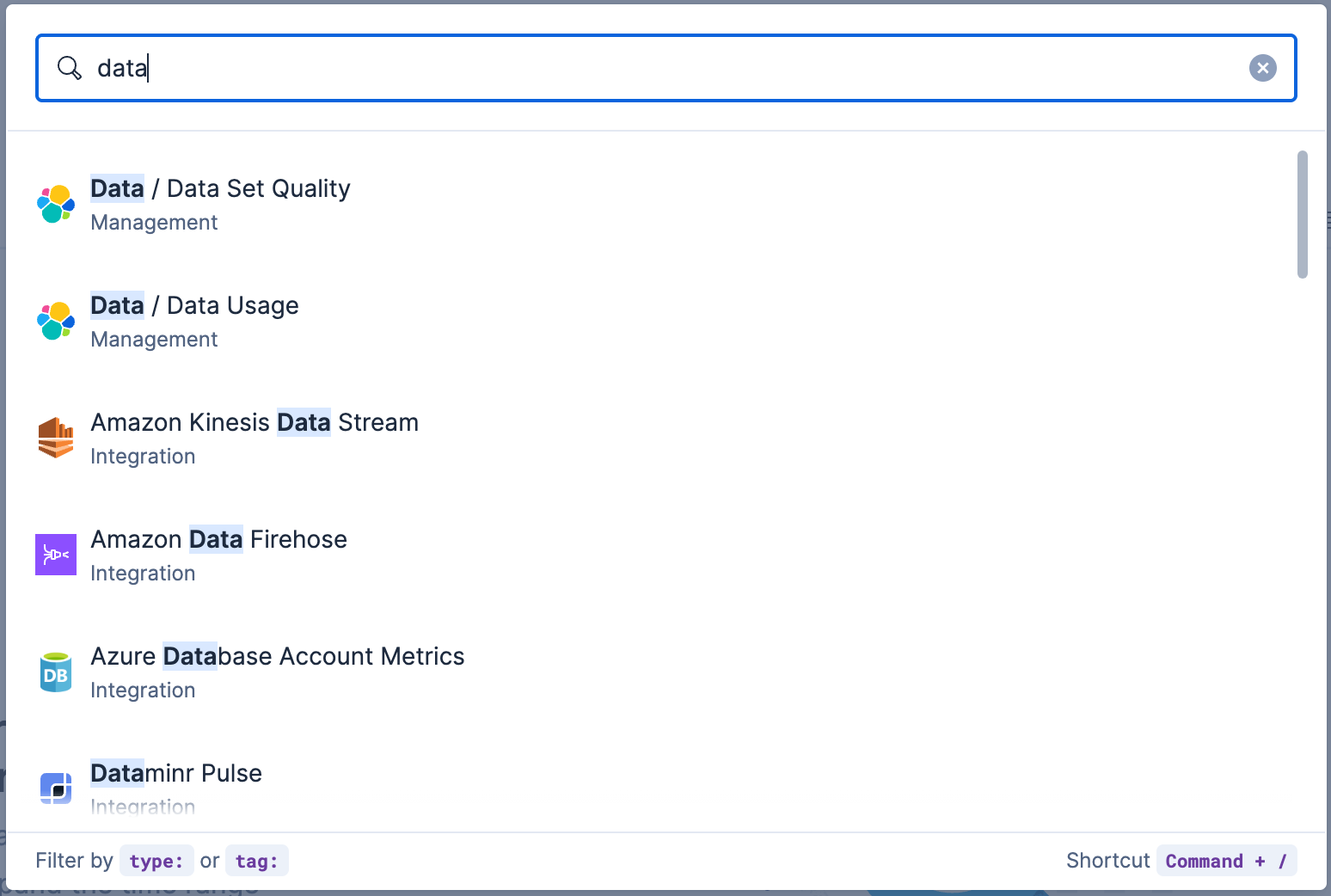
You can search for objects by type, name, and tag. To get the most from the search feature, follow these tips:
Use the keyboard shortcut to open the search field at any time: Ctrl+/ on Windows and Linux, or Command+/ on macOS.
Use the provided syntax keywords.
Search by type type:dashboard
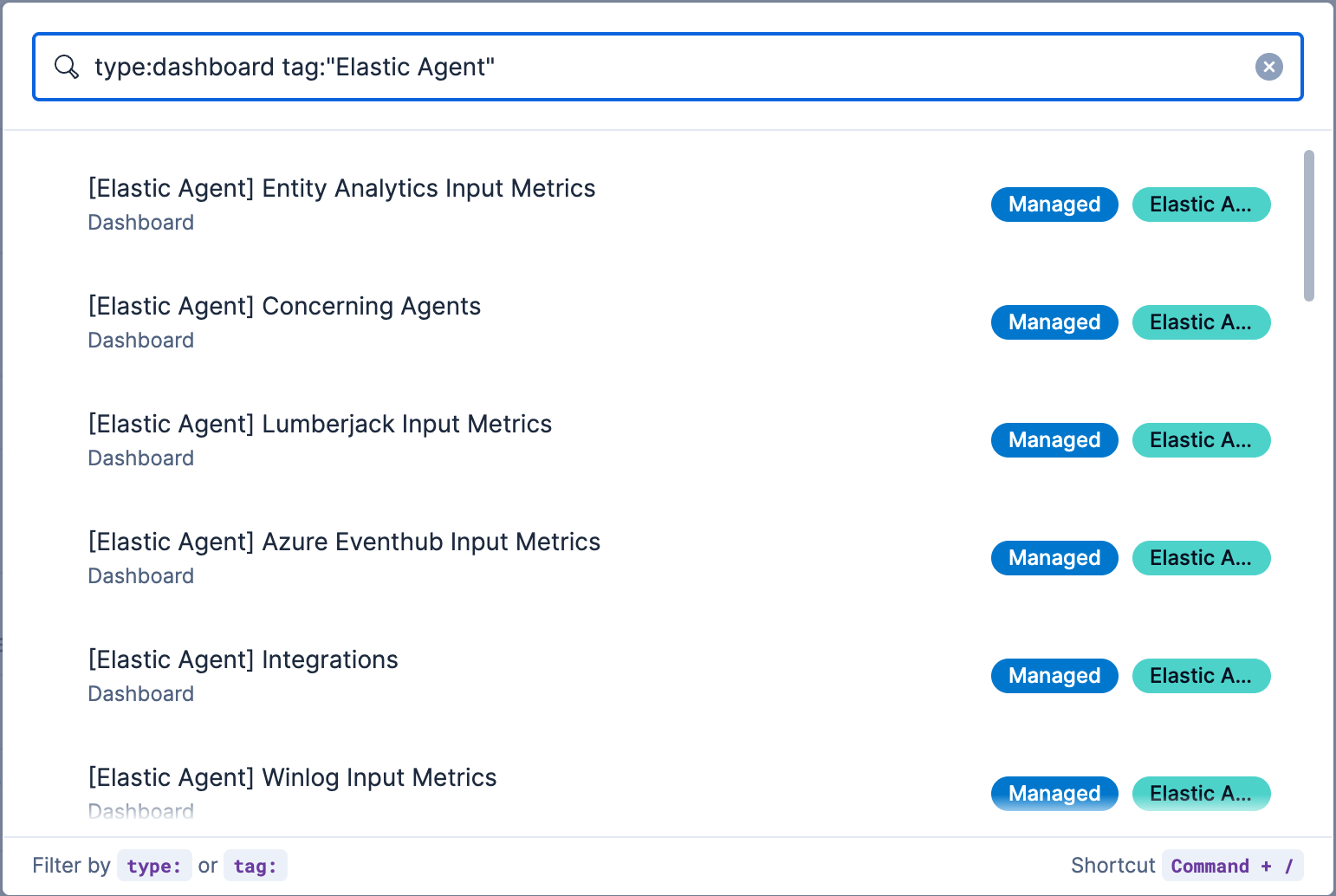
Available types:application,canvas-workpad,dashboard,data-view,lens,maps,query,search,visualizationSearch by tag tag:mytagnametag:"tag name with spaces"Search by type and name type:dashboard my_dashboard_titleAdvanced searches tag:(tagname1 or tagname2) my_dashboard_titletype:lens tag:(tagname1 or tagname2)type:(dashboard or canvas-workpad) logs
This example searches for dashboards with the tag Elastic Agent.