Explore mobile sessions with Discover
The Elastic Stack includes Elastic's core products such as Elasticsearch, Kibana, Logstash, and Beats. Availability This functionality is generally available and ready for production usage. Unless stated otherwise on the page, this functionality is available when your Elastic Stack is deployed on Elastic Cloud Hosted, Elastic Cloud Enterprise, Elastic Cloud on Kubernetes, and self-managed environments. This documentation corresponds to the latest patch available for each minor version. If you're not using the latest patch, check the release notes for changes.
Stack
Generally available
Elastic Mobile APM provides session tracking by attaching a session.id, a guid, to every span and event. This allows for the recall of the activities of a specific user during a specific period of time. The best way recall these data points is using Discover. This guide will explain how to do that.
The first step is to find the relevant session.id. In this example, we’ll walk through investigating a crash. Since all events and spans have session.id attributes, a crash is no different.
The steps to follow are:
- copy the
session.idfrom the relevant document. - Open the Discover page.
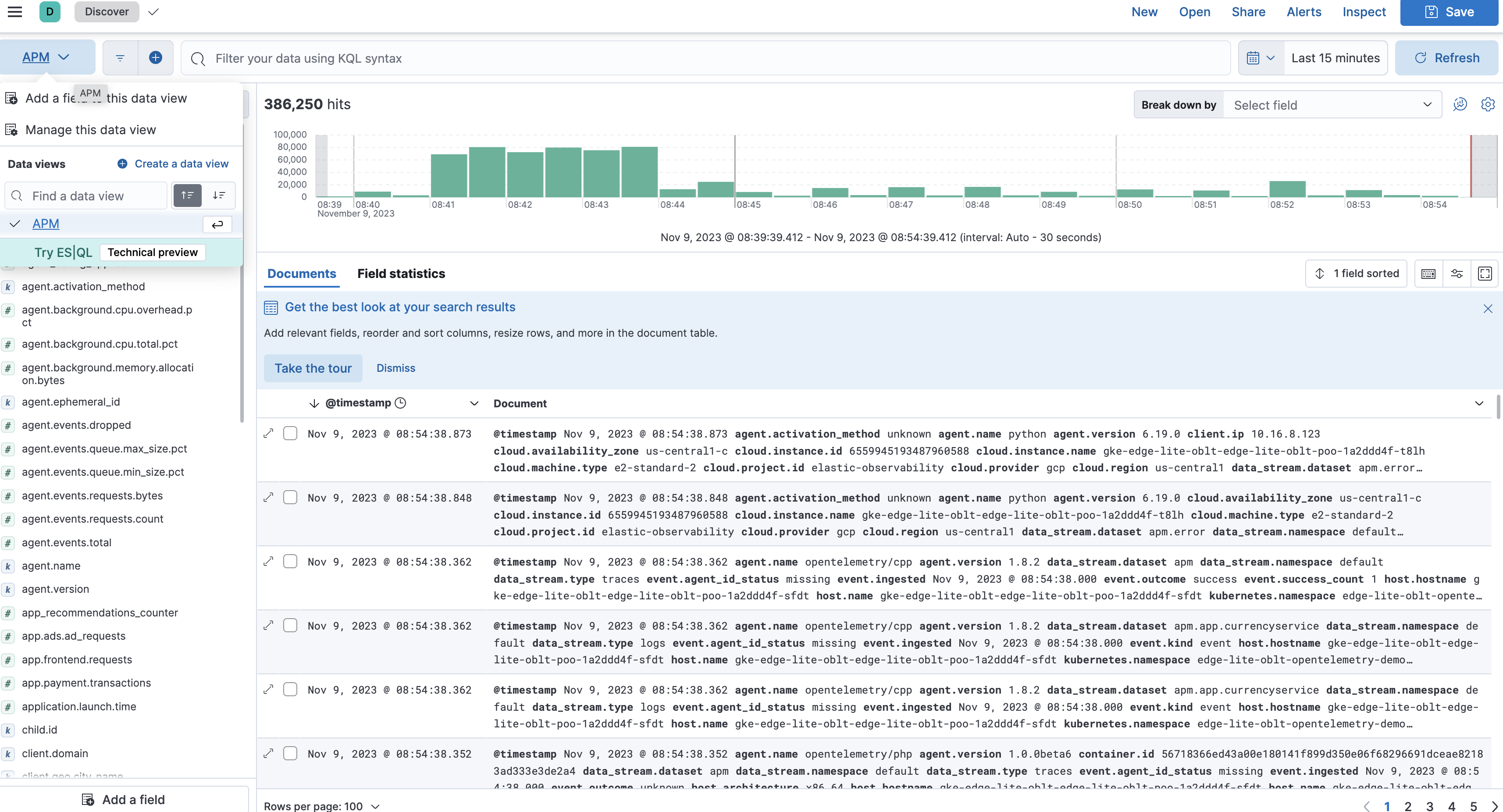
- If Discover opens in ES|QL mode, switch to classic mode. Then select the appropriate data view (use
APMto search all data streams) - set filter to the copied
session.id
Here we can see the session.id guid in the metadata viewer in the error detail view:
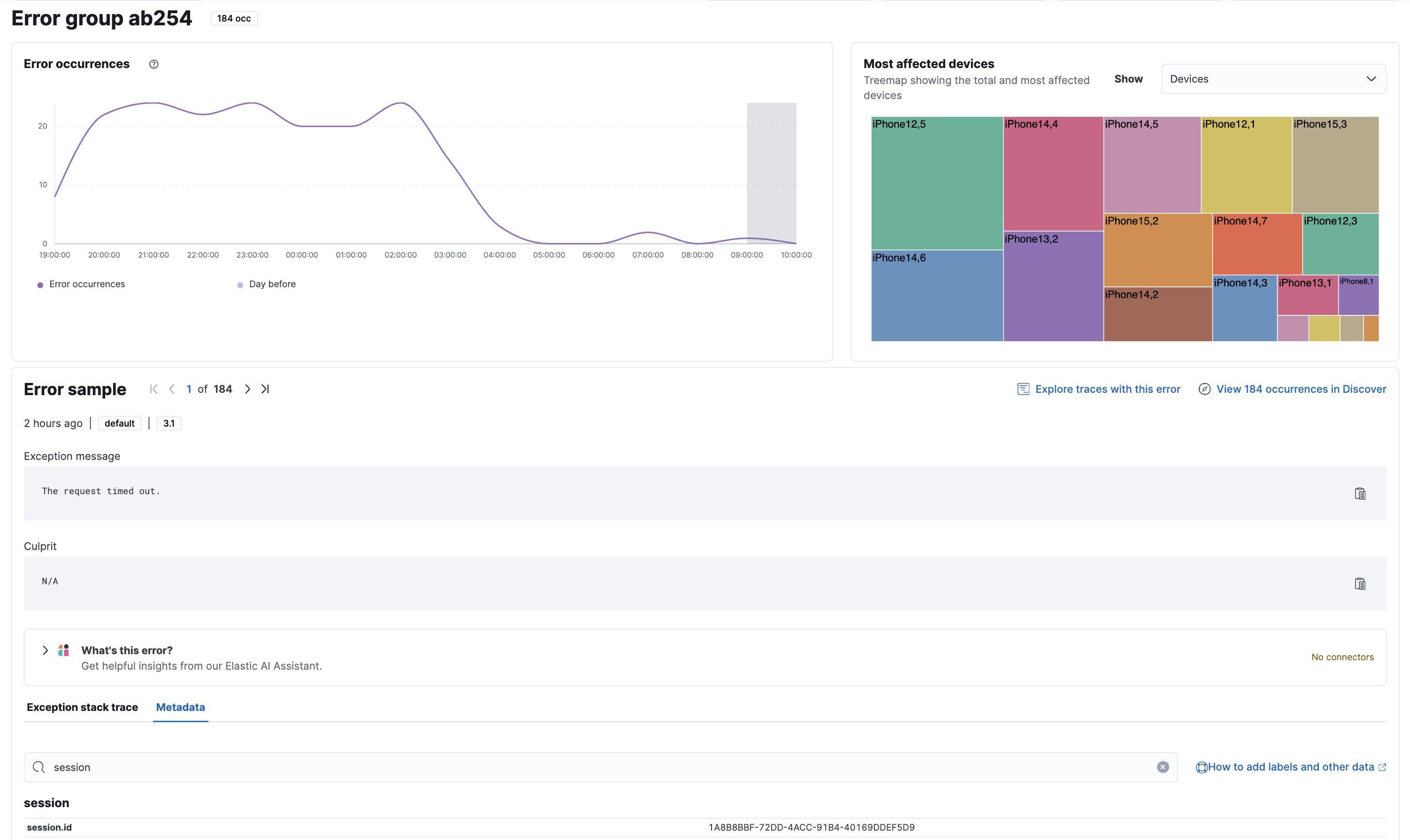
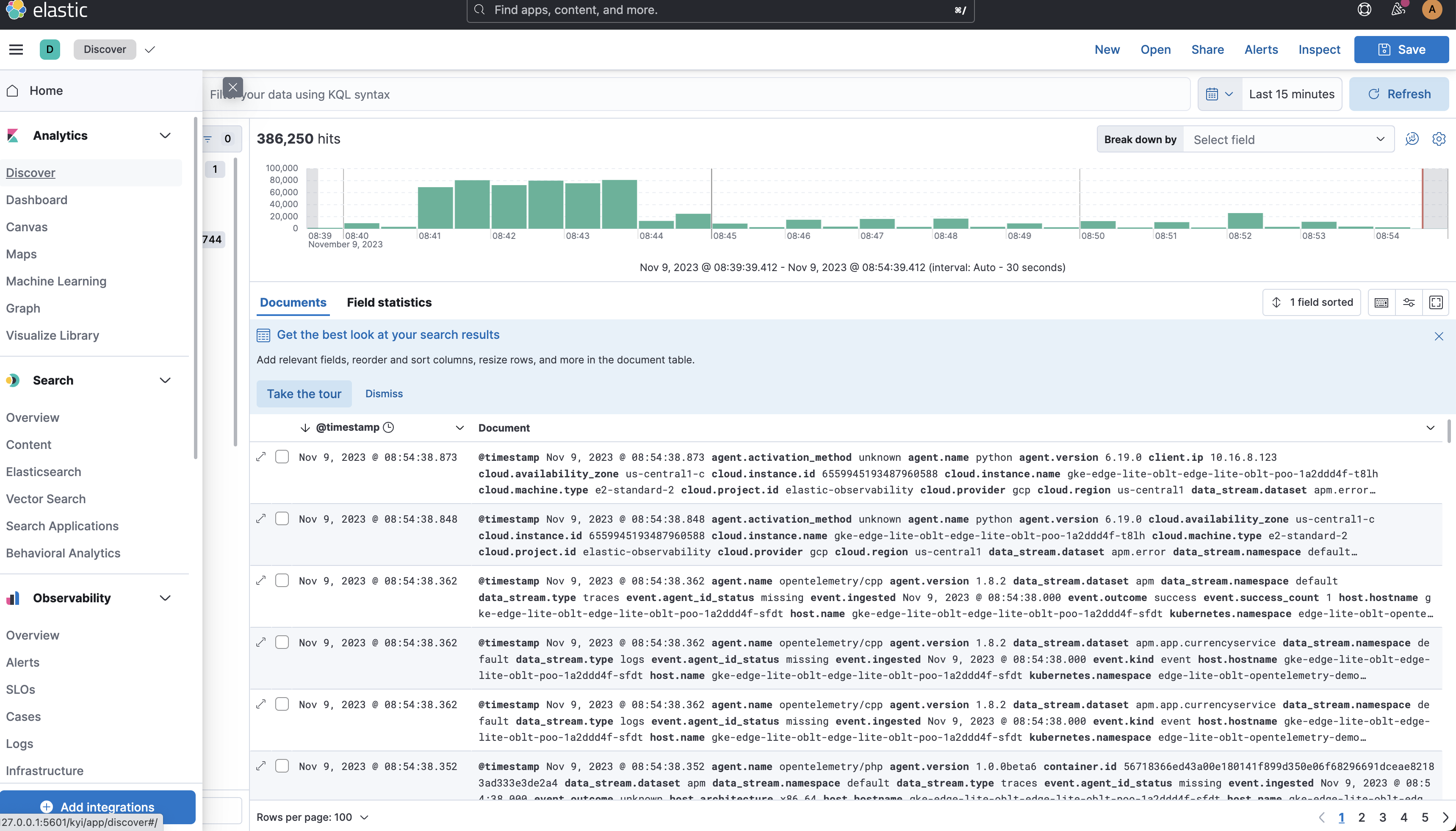
Copy this value and open the Discover page:
Set the data view. APM selected in the example:
Filter using the session.id: session.id: "<copied session id guid>":
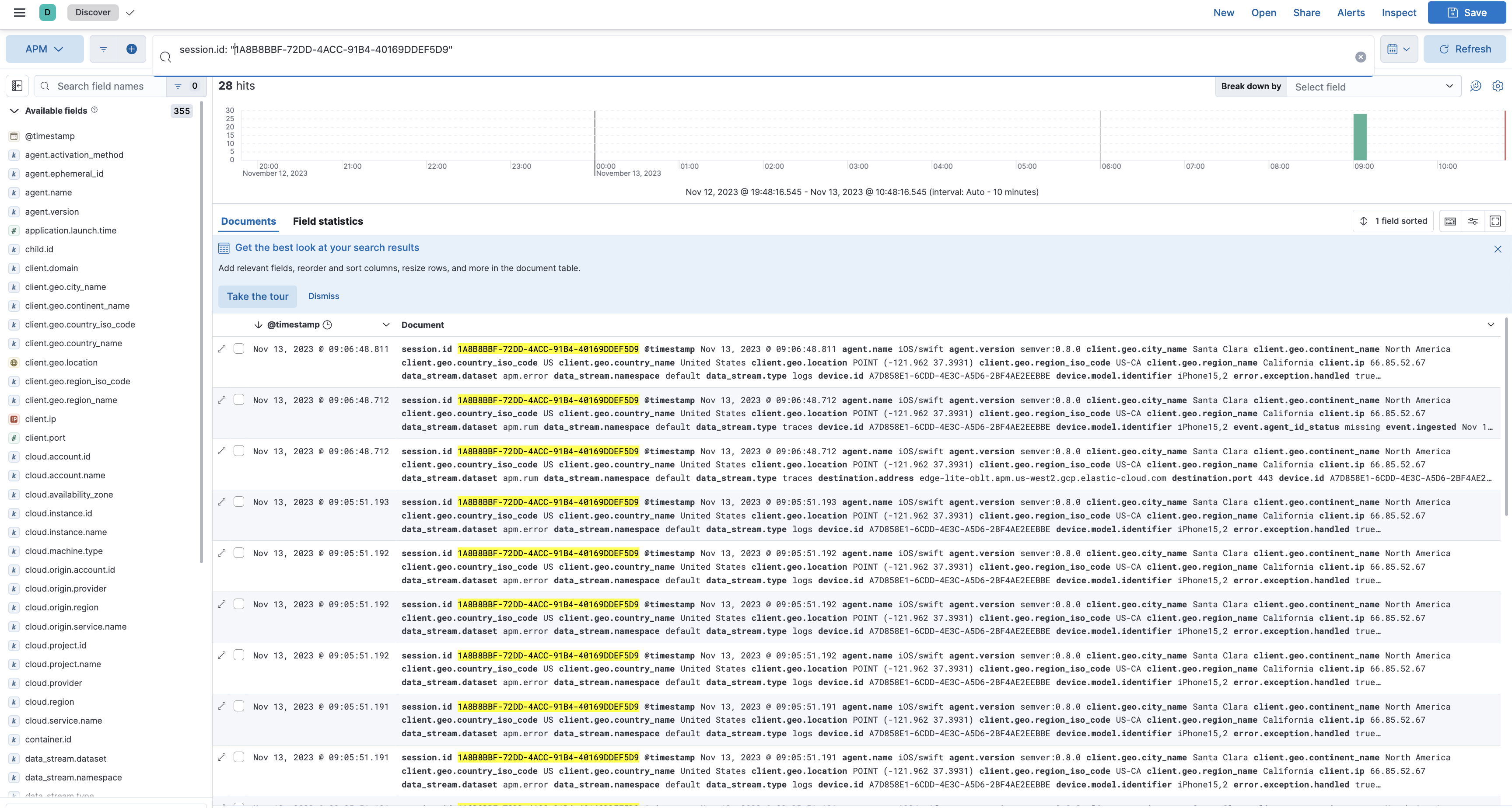
Explore all the documents associated with that session id including crashes, lifecycle events, network requests, errors, and other custom events!