Restore snapshot into a new deployment
Elastic Cloud Hosted lets you manage and configure one or more deployments of the versioned Elastic Stack, hosted on Elastic Cloud. Availability This functionality is generally available and ready for production usage. Elastic Cloud Enterprise is a self-managed orchestration platform for deploying and managing the Elastic Stack at scale. Availability This functionality is generally available and ready for production usage. This documentation corresponds to the latest patch available for each minor version. If you're not using the latest patch, check the release notes for changes.
ECH
Generally available
ECE
Generally available
First, create a new deployment and select Restore snapshot data. Select the deployment that you want to restore a snapshot from. If you don’t know the exact name, you can enter a few characters and then select from the list of matching deployments.
Select the snapshot that you want to restore from. If none is chosen, the latest successful snapshot from the cluster you selected is restored on the new cluster when you create it.
ImportantNote that only snapshots from the
found-snapshotsrepository are accepted. Snapshots from a custom repository are not allowed.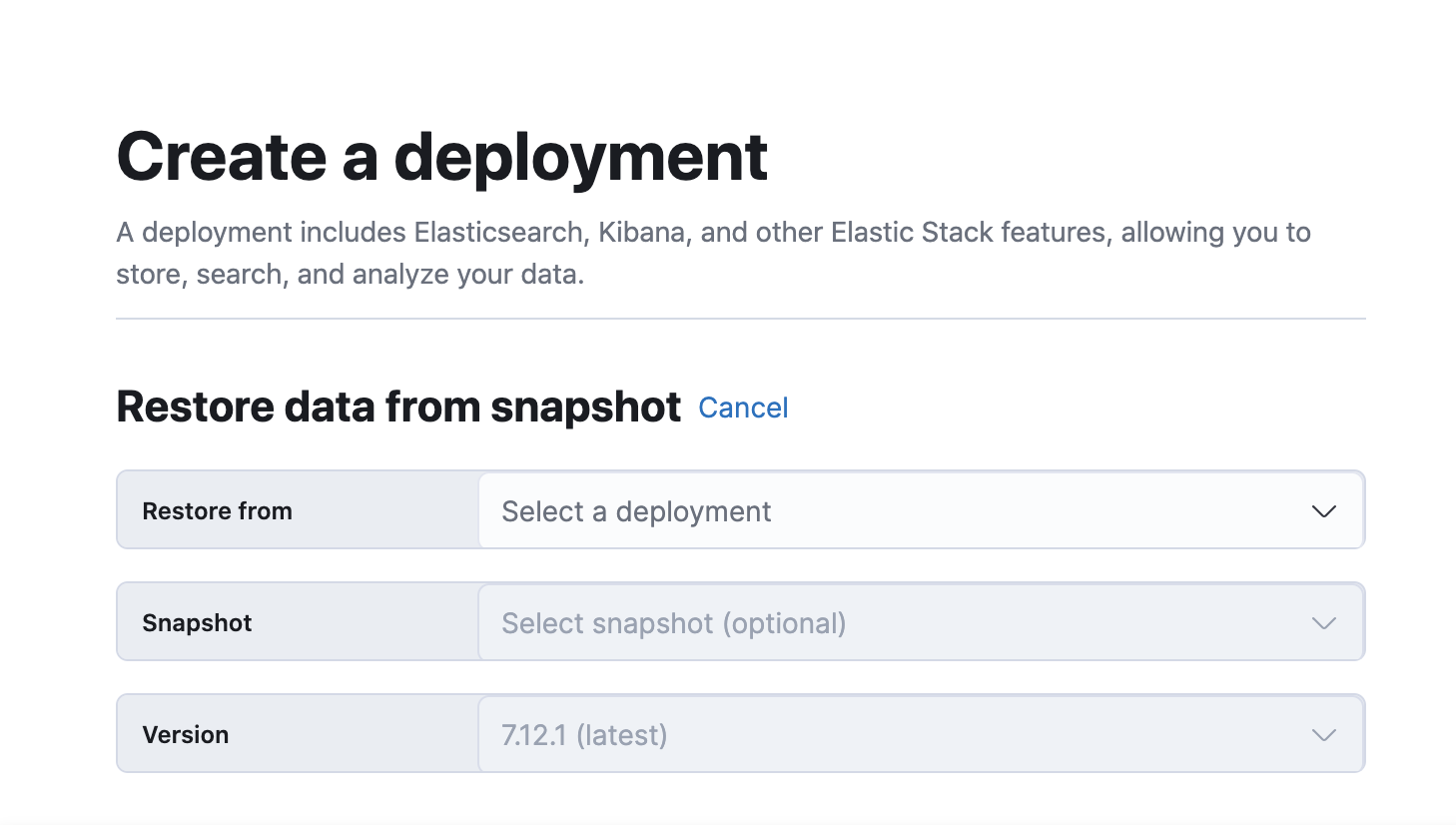
If your original cluster included native users, recreate them on the new cluster. User information is not included when you restore across clusters.