Test connectors
Elastic Cloud Serverless projects are autoscaled environments, fully managed by Elastic and available on Elastic Cloud. Availability This functionality is generally available and ready for production usage. Serverless interfaces and procedures might differ from classic Elastic Stack deployments. The Elastic Stack includes Elastic's core products such as Elasticsearch, Kibana, Logstash, and Beats. Availability This functionality is generally available and ready for production usage. Unless stated otherwise on the page, this functionality is available when your Elastic Stack is deployed on Elastic Cloud Hosted, Elastic Cloud Enterprise, Elastic Cloud on Kubernetes, and self-managed environments. This documentation corresponds to the latest patch available for each minor version. If you're not using the latest patch, check the release notes for changes.
Serverless
Generally available
Stack
Generally available
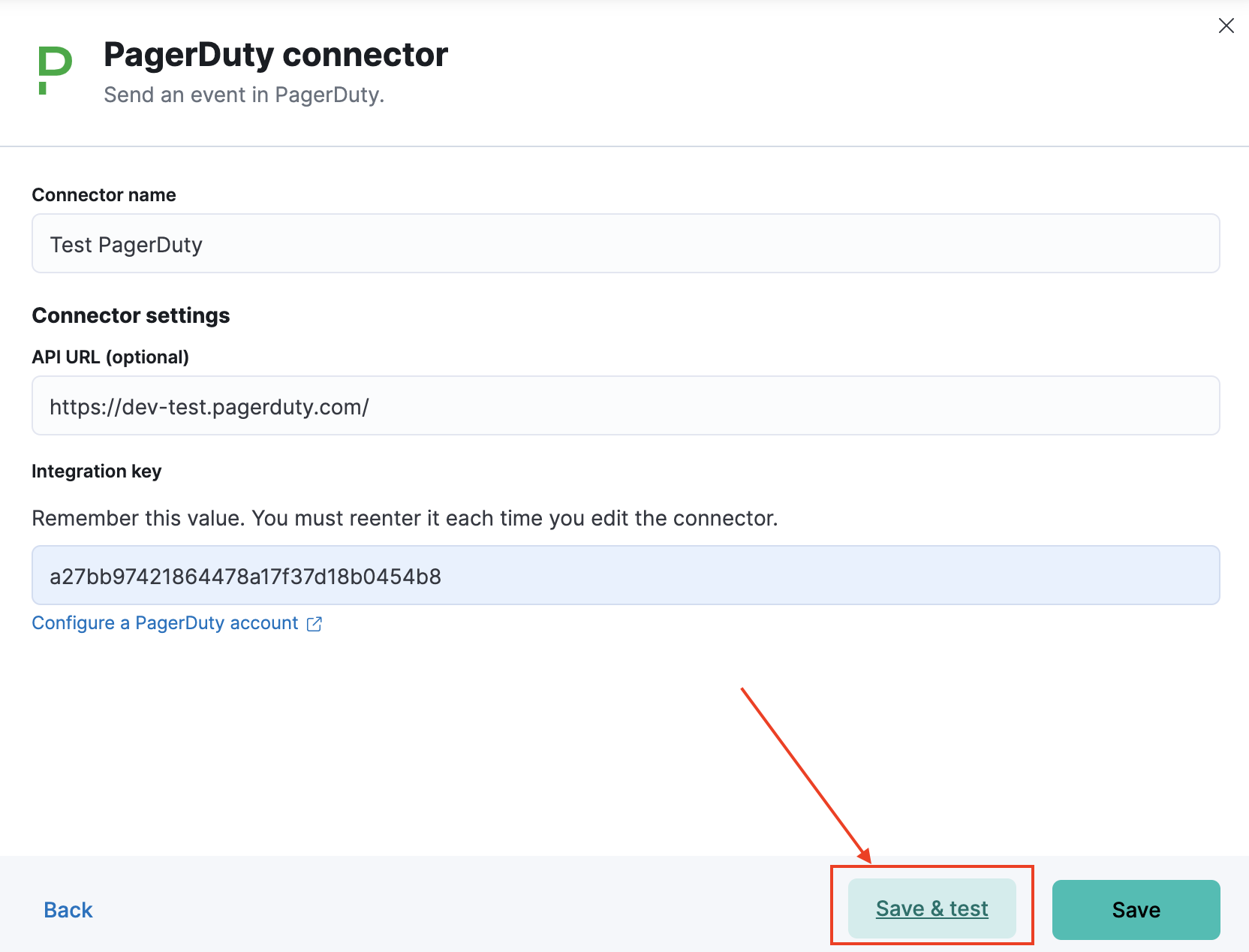
In Stack Management > Connectors, you can test a newly created connector by navigating to the Test tab of Connector Edit flyout or by clicking "Save & test" button on Create flyout:
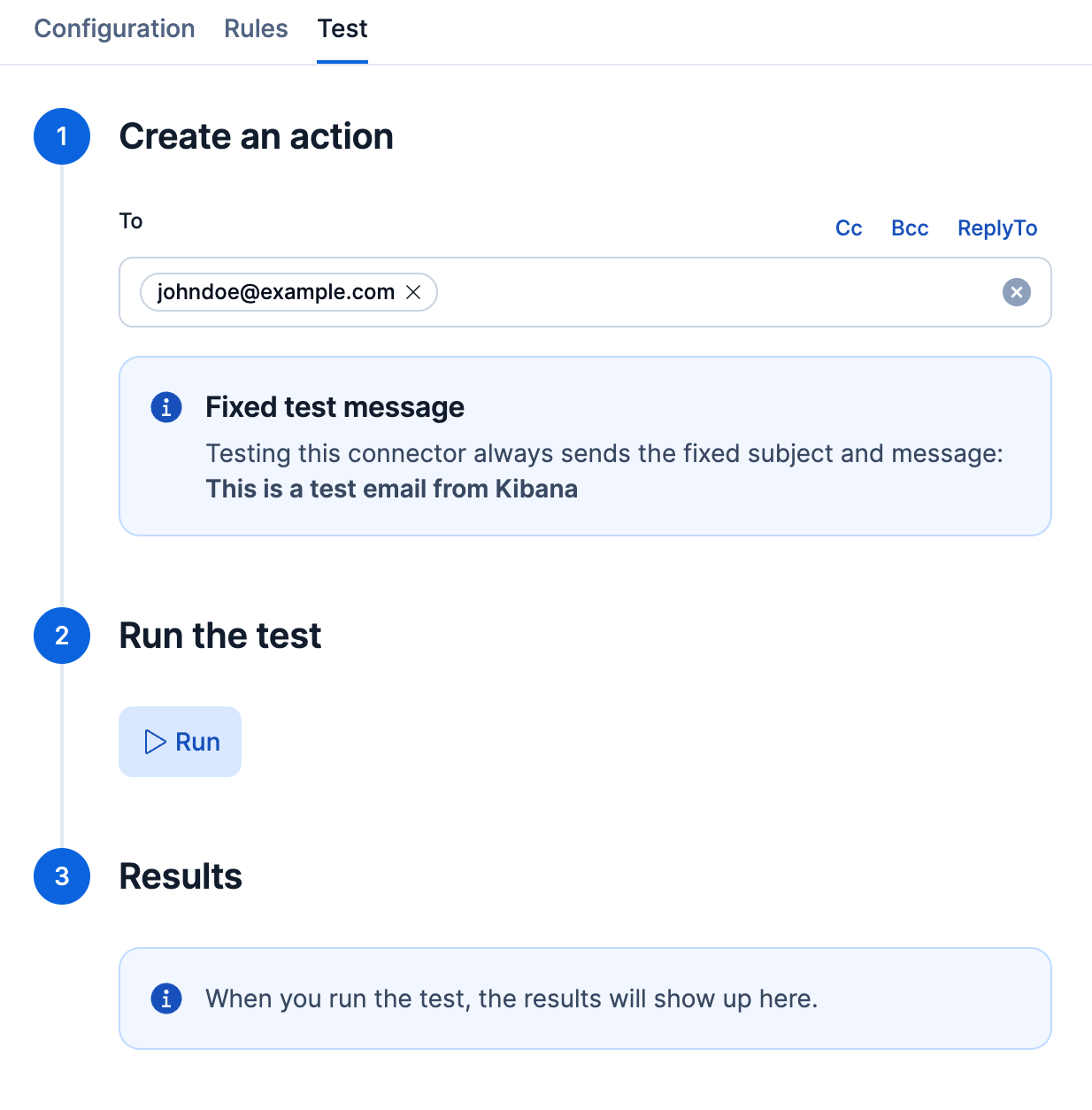
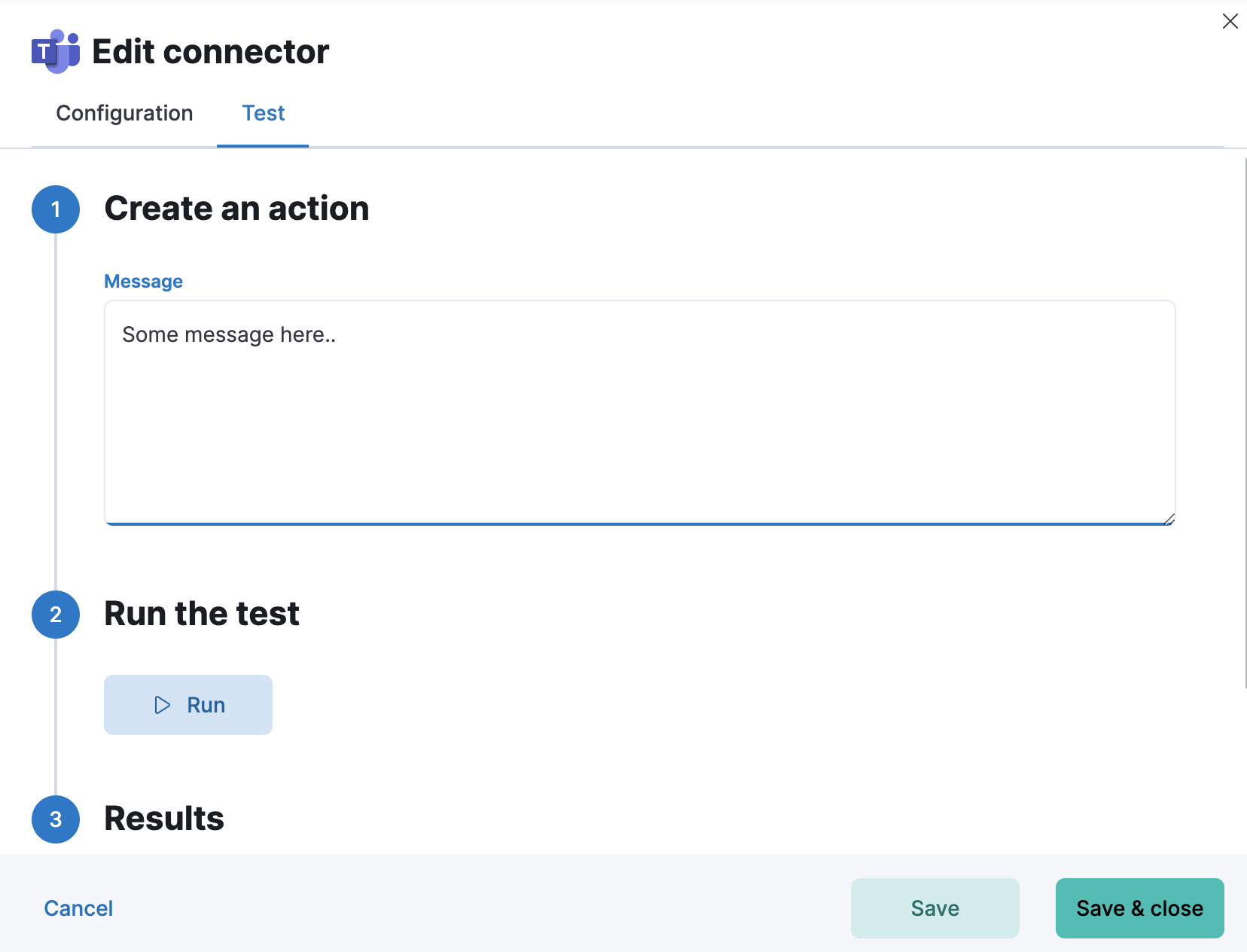
or by directly opening the proper connector edit flyout:
Elastic Cloud Serverless projects are autoscaled environments, fully managed by Elastic and available on Elastic Cloud. Availability This functionality is in technical preview and is ready for evaluation. Use with caution in production; it is not recommended for mission-critical workloads. Elastic will work to fix any issues, but features in technical preview are not subject to the support SLA of official GA features. Specific Support terms apply. Serverless interfaces and procedures might differ from classic Elastic Stack deployments. The Elastic Stack includes Elastic's core products such as Elasticsearch, Kibana, Logstash, and Beats. Availability This functionality is in technical preview and is ready for evaluation. Use with caution in production; it is not recommended for mission-critical workloads. Elastic will work to fix any issues, but features in technical preview are not subject to the support SLA of official GA features. Specific Support terms apply. Unless stated otherwise on the page, this functionality is available when your Elastic Stack is deployed on Elastic Cloud Hosted, Elastic Cloud Enterprise, Elastic Cloud on Kubernetes, and self-managed environments. This documentation corresponds to the latest patch available for each minor version. If you're not using the latest patch, check the release notes for changes.
Serverless
Preview
Preview
Stack
Preview
Preview
You can run an email action via kbn-action. In this example, it is a Cloud hosted deployment of the Elastic Stack:
$ npm -g install pmuellr/kbn-action

$ export KBN_URLBASE=https://elastic:<password>@<cloud-host>.us-east-1.aws.found.io:9243

$ kbn-action ls
[
    {
        "id": "a692dc89-15b9-4a3c-9e47-9fb6872e49ce",
        "actionTypeId": ".email",
        "name": "gmail",
        "config": {
            "from": "test@gmail.com",
            "host": "smtp.gmail.com",
            "port": 465,
            "secure": true,
            "service": null
        },
        "isPreconfigured": false,
        "isDeprecated": false,
        "referencedByCount": 0
    }
]
You can then run the following test:
$ kbn-action execute a692dc89-15b9-4a3c-9e47-9fb6872e49ce '{subject: "hallo", message: "hallo!", to:["test@yahoo.com"]}'
{
    "status": "ok",
    "data": {
        "accepted": [
            "test@yahoo.com"
        ],
        "rejected": [],
        "envelopeTime": 100,
        "messageTime": 955,
        "messageSize": 521,
        "response": "250 2.0.0 OK  1593144408 r5sm8625873qtc.20 - gsmtp",
        "envelope": {
            "from": "test@gmail.com",
            "to": [
                "test@yahoo.com"
            ]
        },
        "messageId": "<cf9fec58-600f-64fb-5f66-6e55985b935d@gmail.com>"
    },
    "actionId": "a692dc89-15b9-4a3c-9e47-9fb6872e49ce"
}
When you test an email connector, Kibana sends the fixed text This is a test email from Kibana instead of the subject and message you provide. The to, cc, and bcc recipients still apply. To send custom content, use the connector in a rule action. For details, refer to Test connectors in the email connector reference.