Heat map layer
Elastic Cloud Serverless projects are autoscaled environments, fully managed by Elastic and available on Elastic Cloud. Availability This functionality is generally available and ready for production usage. Serverless interfaces and procedures might differ from classic Elastic Stack deployments. The Elastic Stack includes Elastic's core products such as Elasticsearch, Kibana, Logstash, and Beats. Availability This functionality is generally available and ready for production usage. Unless stated otherwise on the page, this functionality is available when your Elastic Stack is deployed on Elastic Cloud Hosted, Elastic Cloud Enterprise, Elastic Cloud on Kubernetes, and self-managed environments. This documentation corresponds to the latest patch available for each minor version. If you're not using the latest patch, check the release notes for changes.
Serverless
Generally available
Stack
Generally available
Heat map layers cluster point data to show locations with higher densities.
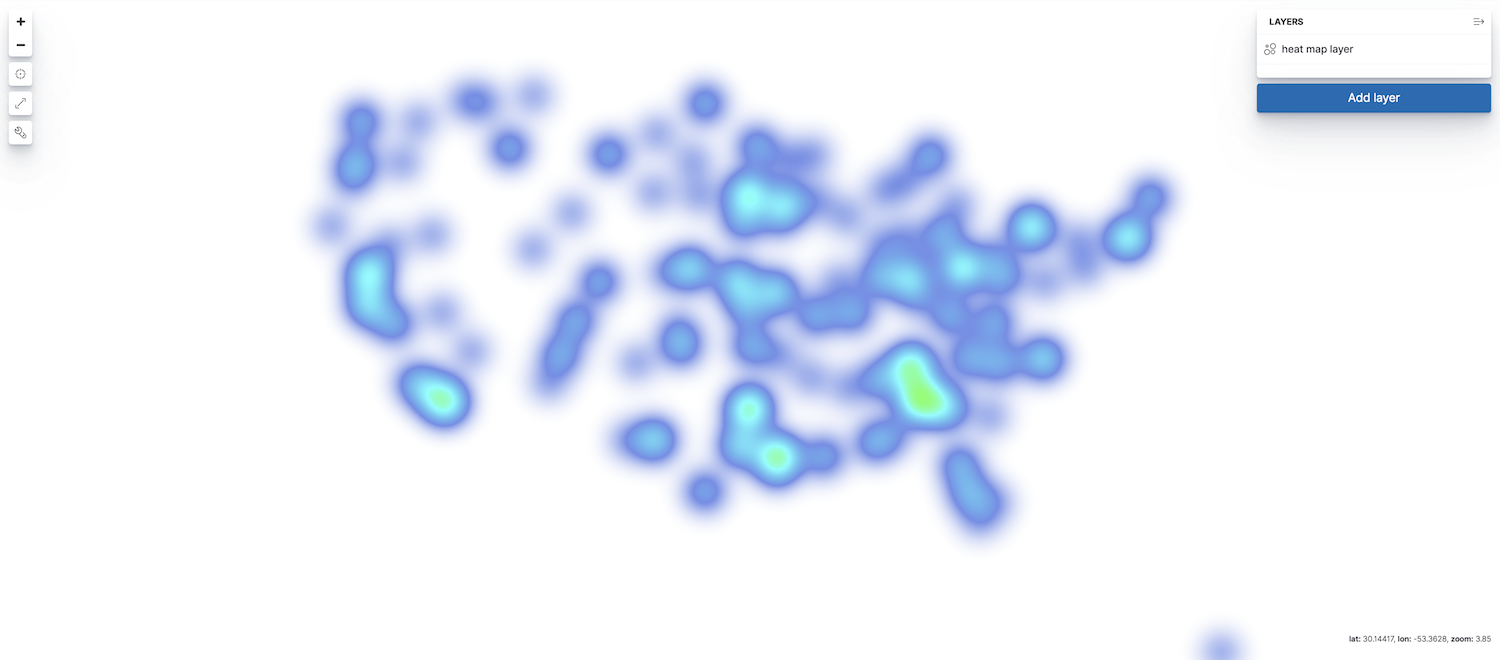
To add a heat map layer to your map, click Add layer, then select Heat map. The index must contain at least one field mapped as geo_point or geo_shape.
Only count, sum, unique count metric aggregations are available with the grid aggregation source and heat map layers. Average, min, and max are turned off because the heat map will blend nearby values. Blending two average values would make the cluster more prominent, even though it just might literally mean that these nearby areas are average.