PowerShell Module
Elastic Cloud Serverless projects are autoscaled environments, fully managed by Elastic and available on Elastic Cloud. Availability This functionality is generally available and ready for production usage. Serverless interfaces and procedures might differ from classic Elastic Stack deployments. The Elastic Stack includes Elastic's core products such as Elasticsearch, Kibana, Logstash, and Beats. Availability This functionality is generally available and ready for production usage. Unless stated otherwise on the page, this functionality is available when your Elastic Stack is deployed on Elastic Cloud Hosted, Elastic Cloud Enterprise, Elastic Cloud on Kubernetes, and self-managed environments. This documentation corresponds to the latest patch available for each minor version. If you're not using the latest patch, check the release notes for changes.
Serverless
Generally available
Stack
Generally available
The PowerShell module processes event log records from the Microsoft-Windows-PowerShell/Operational and Windows PowerShell logs.
The module has transformations for the following event IDs:
- 400 - Engine state is changed from None to Available.
- 403 - Engine state is changed from Available to Stopped.
- 600 - A Provider is Started.
- 800 - Pipeline executed.
- 4103 - Module logging.
- 4104 - Script block logging.
- 4105 - Command started.
- 4106 - Command completed.
By default, module and script block logging (event ID’s 410x) are disabled, to enable them you can do so through "Windows Powershell" GPO settings and set "Turn on Module Logging" and "Turn on PowerShell Script Block Logging" to enabled.
Alternatively they can be enabled setting the following registry values:
HKCU/HKLM\SOFTWARE\Policies\Microsoft\Windows\PowerShell\ModuleLogging: EnableModuleLogging = 1
HKCU/HKLM\SOFTWARE\Policies\Microsoft\Windows\PowerShell\ModuleLogging \ModuleNames: * = *
HKCU/HKLM\SOFTWARE\Policies\Microsoft\Windows\PowerShell\ScriptBlockLogging: EnableScriptBlockLogging = 1
HKCU/HKLM\SOFTWARE\Policies\Microsoft\Windows\PowerShell\ScriptBlockLogging: EnableScriptBlockInvocationLogging = 1
winlogbeat.event_logs:
  - name: Windows PowerShell
    event_id: 400, 403, 600, 800

  - name: Microsoft-Windows-PowerShell/Operational
    event_id: 4103, 4104, 4105, 4106

output.elasticsearch.pipeline: winlogbeat-%{[agent.version]}-routing
- All module processing is handled via Elasticsearch Ingest Node pipelines. See Setup of Ingest Node pipelines for details.
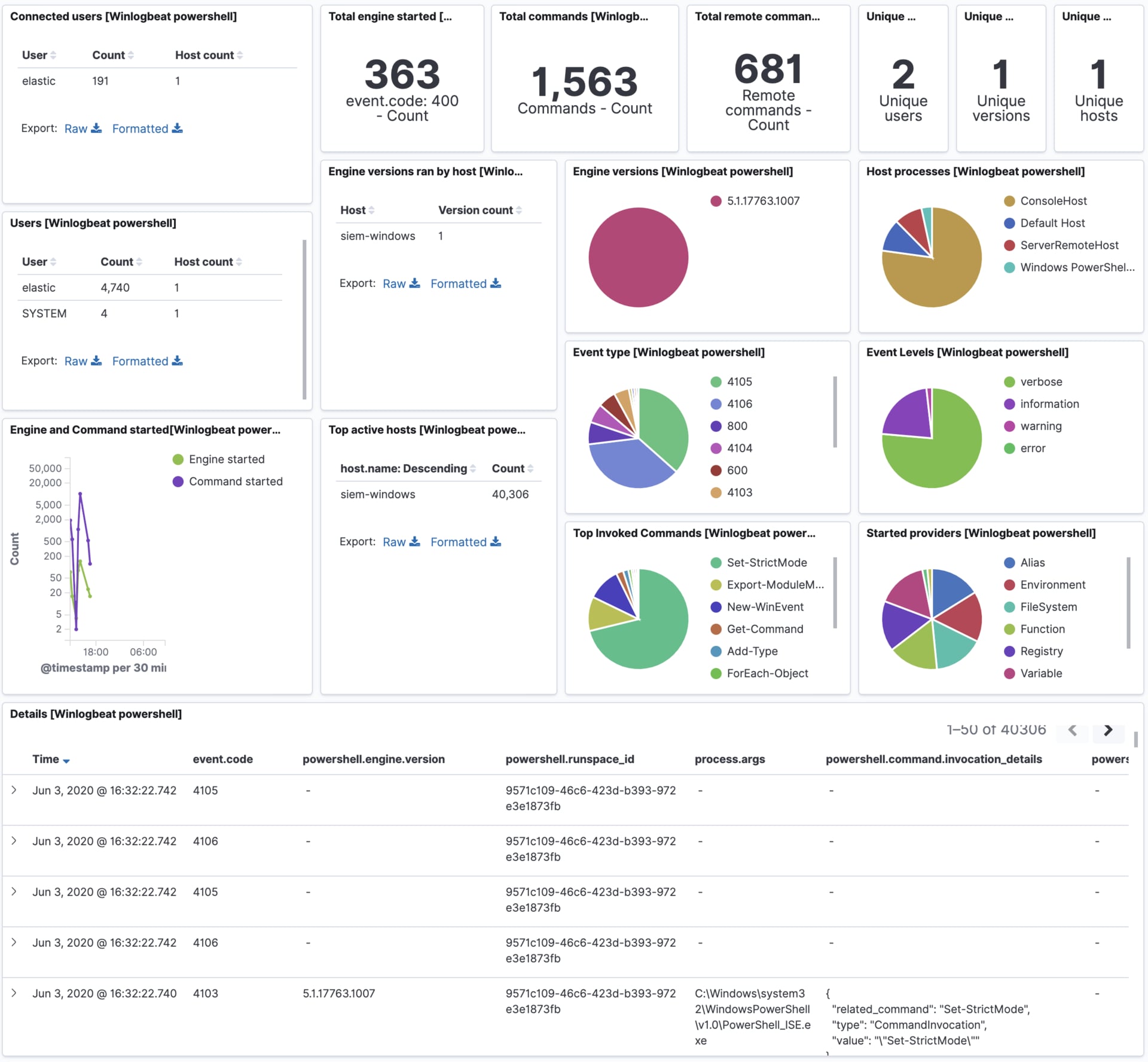
This module comes with a sample dashboard.