Tines connector
Elastic Cloud Serverless projects are autoscaled environments, fully managed by Elastic and available on Elastic Cloud. Availability This functionality is generally available and ready for production usage. Elastic Cloud Serverless projects are autoscaled environments, fully managed by Elastic and available on Elastic Cloud. Availability This functionality is generally available and ready for production usage. The Elastic Stack includes Elastic's core products such as Elasticsearch, Kibana, Logstash, and Beats. Availability This functionality is generally available and ready for production usage. Unless stated otherwise on the page, this functionality is available when your Elastic Stack is deployed on Elastic Cloud Hosted, Elastic Cloud Enterprise, Elastic Cloud on Kubernetes, and self-managed environments. This documentation corresponds to the latest patch available for each minor version. If you're not using the latest patch, check the release notes for changes.
Serverless Observability
Generally available
Serverless Security
Generally available
Stack
Generally available
The Tines connector uses Tines's Webhook actions to send events via POST request.
You can create connectors in Stack Management > Connectors or as needed when you’re creating a rule. For example:
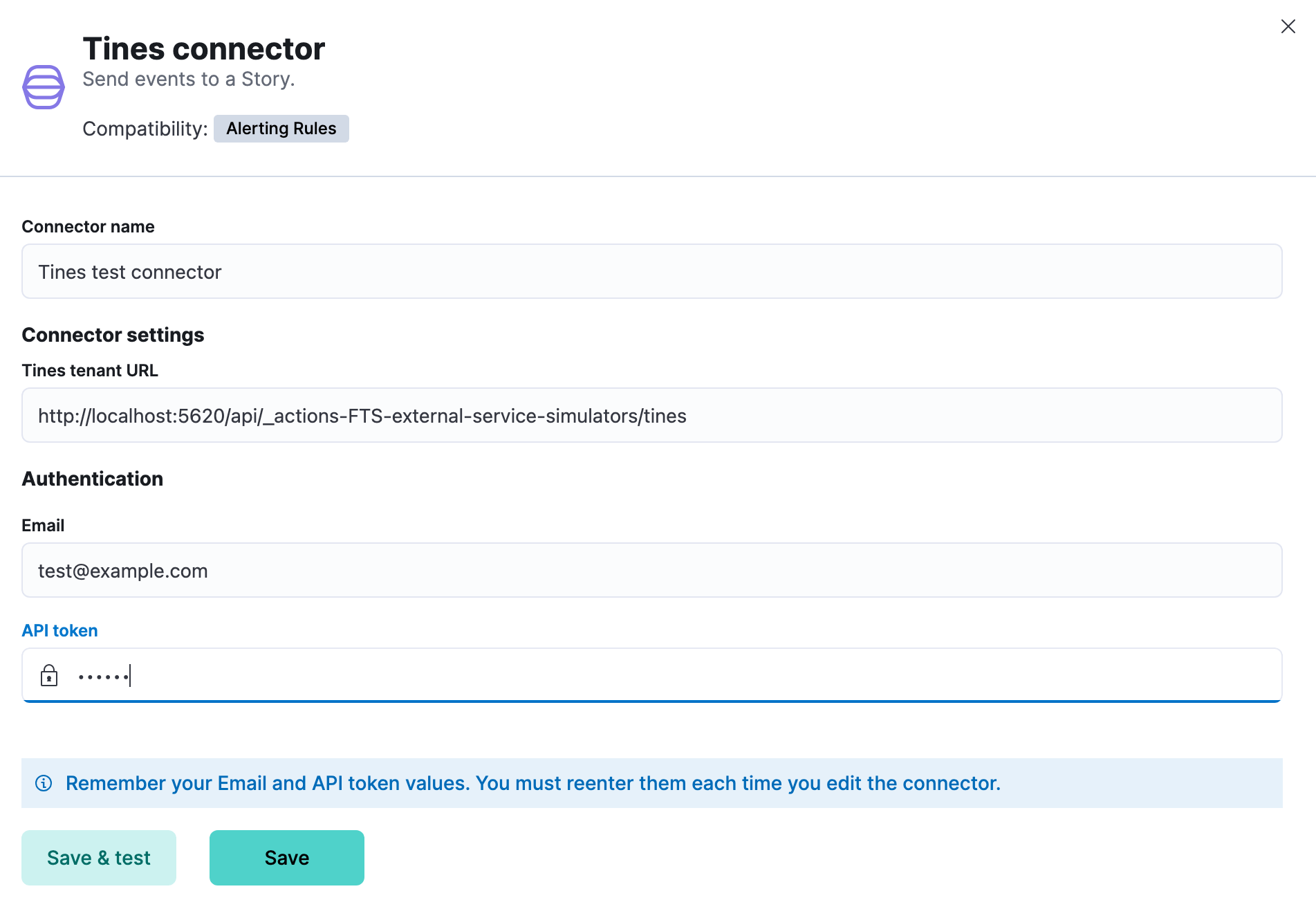
Tines connectors have the following configuration properties:
- URL
- The Tines tenant URL. If you are using the
xpack.actions.allowedHostssetting, make sure the hostname is added to the allowed hosts. - The email used to sign in to Tines.
- API Token
- A Tines API token created by the user. For more information, refer to the Tines documentation.
You can test connectors as you're creating or editing the connector in Kibana. For example:
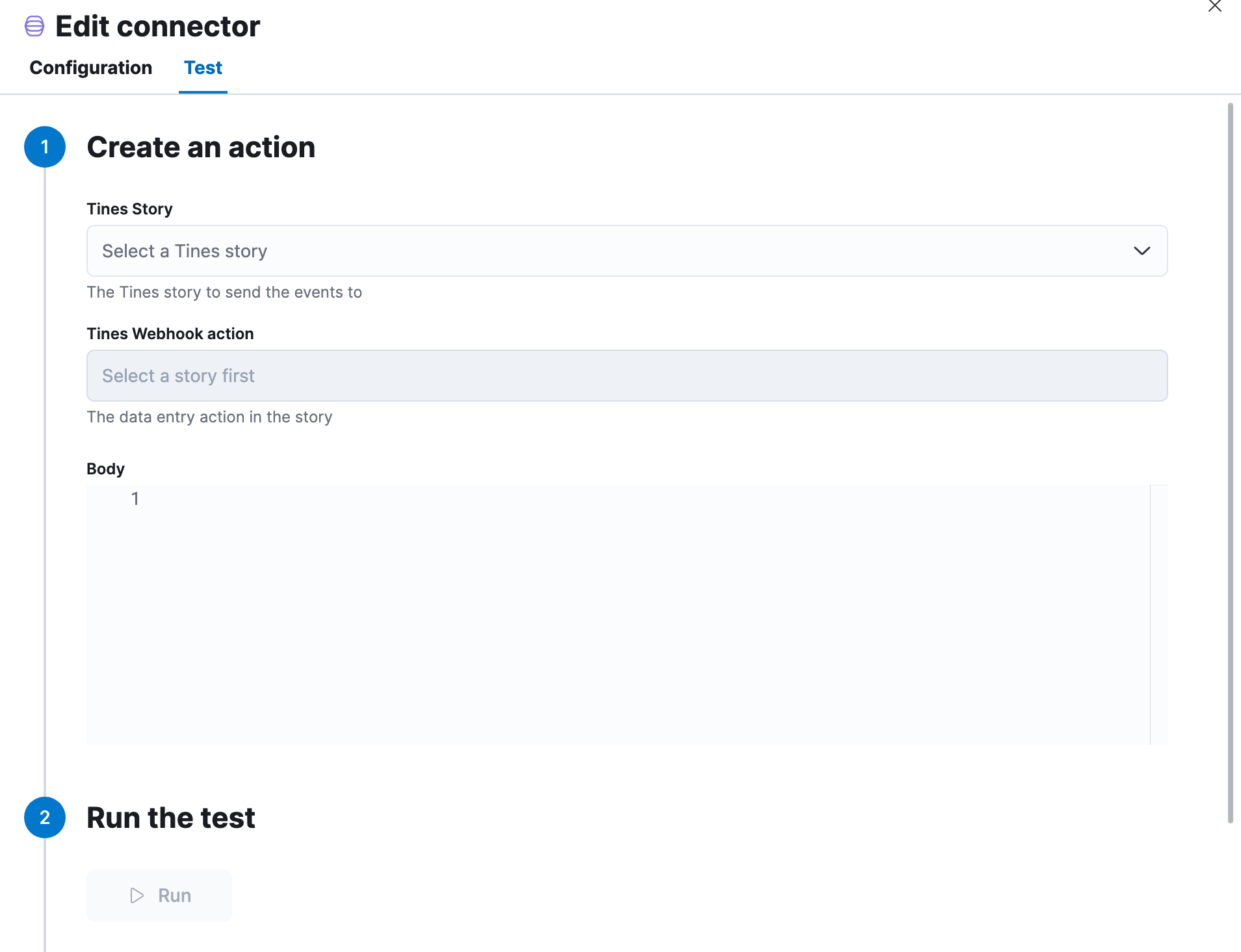
If you create a rule action that uses the Tines connector, you can likewise configure the POST request that is sent to the Tines webhook action when the rule conditions are met.
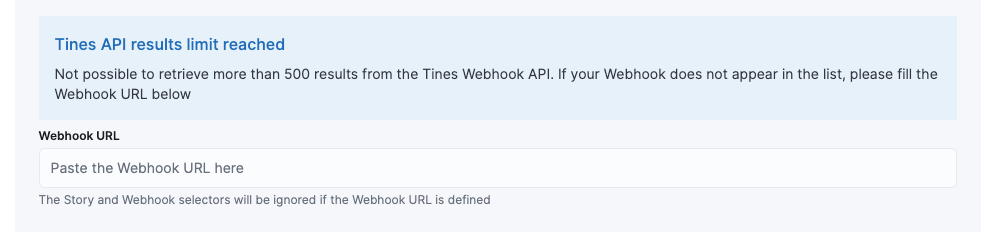
It is possible that requests to the Tines API to get the stories and webhooks for the selectors hit the 500 results limit. In this scenario, the webhook URL fallback text field will be displayed. You can still use the selectors if the story or webhook exists in the 500 options loaded. Otherwise, you can paste the webhook URL in the test input field; it can be copied from the Tines webhook configuration.
When the webhook URL is defined, the connector will use it directly when an action runs, and the story and webhook selectors will be disabled and ignored. To re-enable the story and webhook selectors, remove the webhook URL value.
In order to simplify the integration with Elastic, Tines offers a set of pre-defined Elastic stories in the Story library. They can be found by searching for "Elastic" in the Tines Story library:
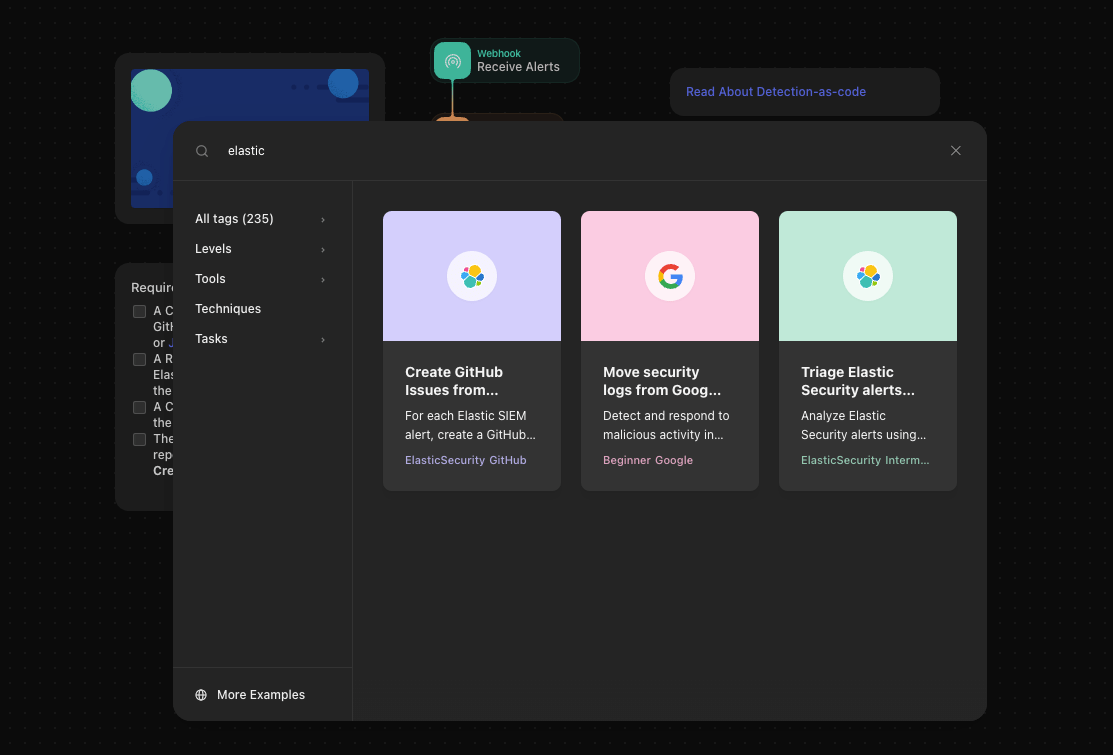
They can be imported directly into your Tines tenant.
Tines connector will send the data in JSON format.
The message contains fields such as alertId, date, _index, kibanaBaseUrl, along with the rule and params objects.
The number of alerts (signals) can be found at state.signals_count.
The alerts (signals) data is stored in the context.alerts array, following the ECS format.